Legal
Terms of Service
Effective 30 October 2026 · Version 2026-10-30
The short version
- You own your briefs and the designs we deliver to you.
- We keep your requests confidential: only you can see them, any opening by our staff is shown to you, and you can erase a request at any time. We use them to train our models only if you agree.
- Our automated tools may look up reference information on the public web for your design and run first-pass sizing calculations. The report says what was found and where.
- Every design, with every calculation and tolerance in its report, must be checked by a qualified engineer before anything is made or used.
- Do not ask for weapons, illegal items or designs you have no right to share.
- Do not send export-controlled designs, such as those covered by the US ITAR or EAR rules or India's SCOMET list.
1. Agreement
These terms are an agreement between you and Mechpro ("Mechpro", "we", "us"). By creating an account or using Mechpro you accept them and our Privacy Policy. You must be at least 18 years old and able to enter into a contract. If you use Mechpro for a company, you confirm that you may accept these terms on its behalf.
2. What Mechpro does
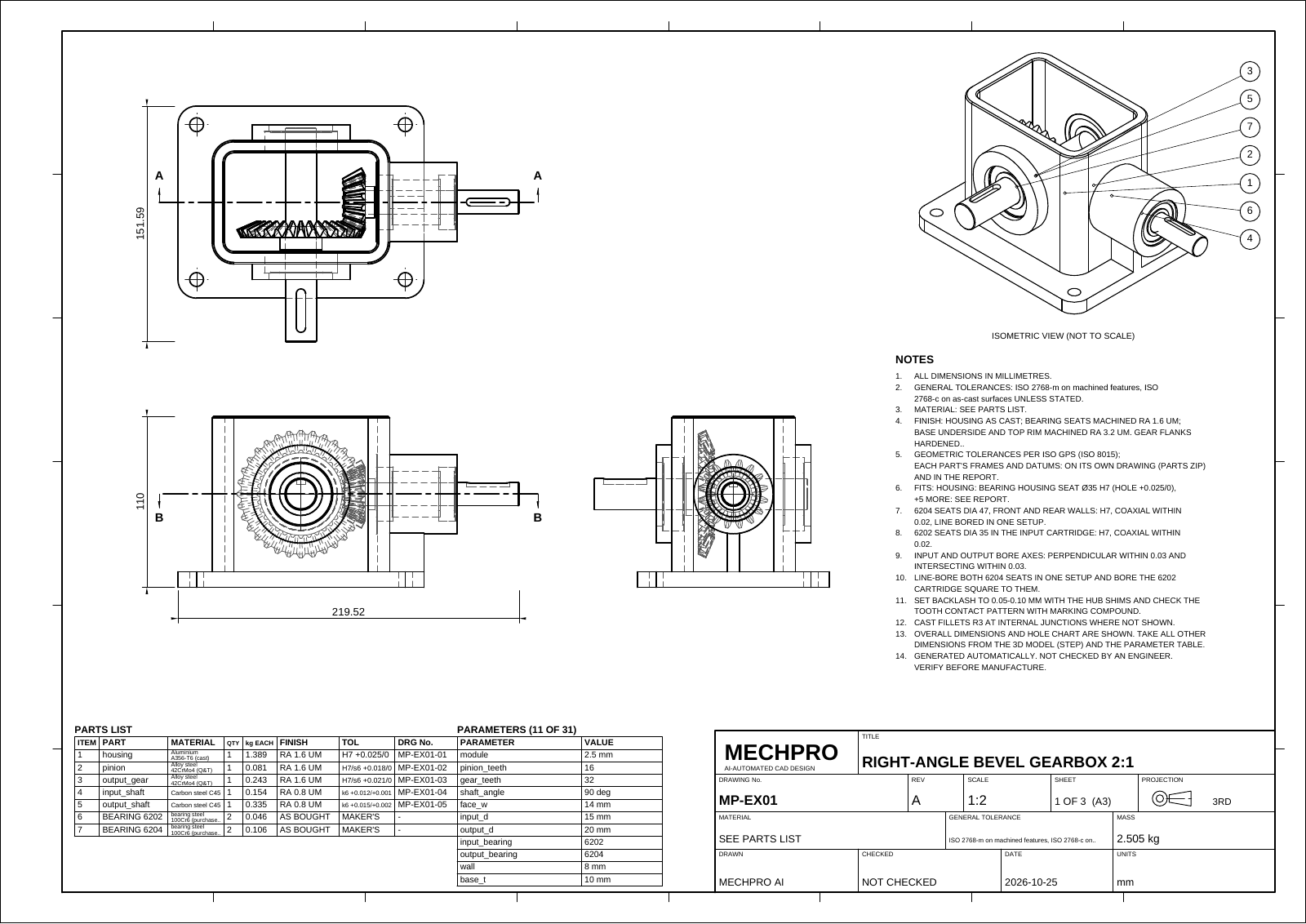
You send a written brief, optionally with pictures and reference dimensions. We return 3D CAD models, engineering drawings and a technical report in the formats you ask for, where we can produce them. Some proprietary formats cannot be produced; when that happens we tell you and supply an open format, such as STEP, instead. We use automated design tools, which may look up reference information on the public web and run first-pass sizing calculations, and the details of how a design is produced may change over time.
3. Your account
- Give accurate details and keep them up to date.
- Keep your password private. You are responsible for what happens under your account. Signing in on a new browser also needs a code we email you.
- Tell us straight away at hello@mechpro.ai if you think someone else has used it.
4. Your content and who owns the designs
- Your inputs (briefs, pictures, sketches, dimensions) remain yours.
- Your outputs: when we deliver a design to you, we assign to you all rights we hold in the delivered models, drawings and reports. Standard features and standard parts, such as gear teeth, bolts and bearings, are not exclusive to anyone, and other customers may receive similar results for similar briefs.
- You allow us to store and process your inputs and outputs to provide the service. If you agree, we may also use them to improve our design models. You can withdraw that agreement at any time in your account.
- We treat your inputs and outputs as your confidential information. Only you can see them in your account; no other customer can. Mechpro staff open a request only when they need to work on it, and every opening is shown to you under the request, with the reason. Anyone who works for Mechpro must keep what they see confidential. We share your inputs and outputs only with the service providers listed in our Privacy Policy, or when the law requires it.
- You can erase any request at any time with Erase this request. It is deleted straight away, and from our encrypted backups within about 30 days.
- You confirm that you have the right to share your inputs with us, and that they do not break anyone else's rights or any confidentiality duty you owe.
5. Acceptable use
Do not use Mechpro to request or produce:
- weapons, weapon parts or accessories, or items designed to harm people;
- items that are illegal to make or own where you are, or designed to get around safety or legal controls;
- designs that copy someone else's protected product without permission.
Do not attack, overload, scrape or test the security of the service without our written permission, and do not upload malware. We may refuse or stop any request, and suspend accounts that break these rules.
6. Export-controlled designs
Mechpro is not built to handle export-controlled technical data. Do not send designs, drawings, dimensions or other data that are covered by export controls, such as:
- the US International Traffic in Arms Regulations (ITAR);
- the US Export Administration Regulations (EAR), for anything classified above EAR99;
- India's SCOMET list (Special Chemicals, Organisms, Materials, Equipment and Technologies), or any other country's export controls.
Your requests are stored and processed on commercial cloud servers in the United States and by AI providers and web search services, and may be seen by people who are not US persons. Sending controlled data to us could therefore break export law. Each time you send a request or ask for a change, you confirm that it is not export-controlled. You are responsible for classifying your own designs. If we learn that a request is export-controlled, we will stop work on it and delete it, and we may suspend the account.
7. Engineering responsibility
Designs are produced with automated tools and checked against the requirements you state and, where our tools looked up reference information or ran sizing calculations, against those too. They are not certified and may contain errors. Any calculations in the report are first-pass sizing calculations made with automated tools from published formulas and the references listed in the report; they are not a structural analysis, a certified calculation or a substitute for one. Tolerances and fits on the drawing and in the report are proposals worked out from published standards, not a manufacturing specification until an engineer confirms them. A result marked as passing a check means that a feature with that value exists; it does not mean that the design is fit for your purpose. Before you manufacture or use any design, a qualified engineer must review and verify it, including every reference, calculation and tolerance in the report, especially for anything that carries loads or pressure, or is used in vehicles, aircraft, medical devices, lifting equipment or other safety-critical applications. You are responsible for that review and for how a design is used.
8. Prices, timing and changes
- If a request carries a fee, we tell you the price and ask for your agreement before we start. We never charge you without it.
- We deliver as soon as we can. Delivery times are estimates, not guarantees.
- You can ask for changes to a delivered design from your account. Each change is kept as a new revision.
- To keep the service fair and running, we limit how many requests one account, and Mechpro as a whole, takes in a day. Changes count as requests, and so does an answer to a question our design engine asks you about a request. If you reach a limit, the website tells you and you can send again the next day, or write to us.
9. Ending your account
You can delete your account at any time from the account menu. We may suspend or close an account that breaks these terms, and we will tell you why unless the law prevents us. We may also change or stop parts of the service; if we stop the service entirely, we will give you reasonable notice so that you can download your files.
10. Disclaimer
To the extent the law allows, Mechpro is provided "as is", without warranties of any kind, including fitness for a particular purpose, and without a promise that it will always be available or error-free.
11. Limitation of liability
To the extent the law allows, we are not liable for indirect or consequential losses, such as lost profits, lost data or production costs arising from a design. Our total liability for any claim is limited to the greater of the fees you paid us for the request concerned and INR 5,000. Nothing in these terms limits liability that cannot be limited by law.
12. Indemnity
You will compensate Mechpro for claims by others arising from content you sent us that you had no right to share, from export-controlled data you sent us, or from how you used a design.
13. Changes to these terms
We may update these terms. We will post the new version here with a new date and, for significant changes, email you before they apply. If you keep using Mechpro after that, the new terms apply.
14. Law and disputes
These terms are governed by the laws of India. Disputes are subject to the exclusive jurisdiction of the courts in India.
15. Contact
Questions about these terms: hello@mechpro.ai.